
Skip to main content
How Can We Help?
Step 1
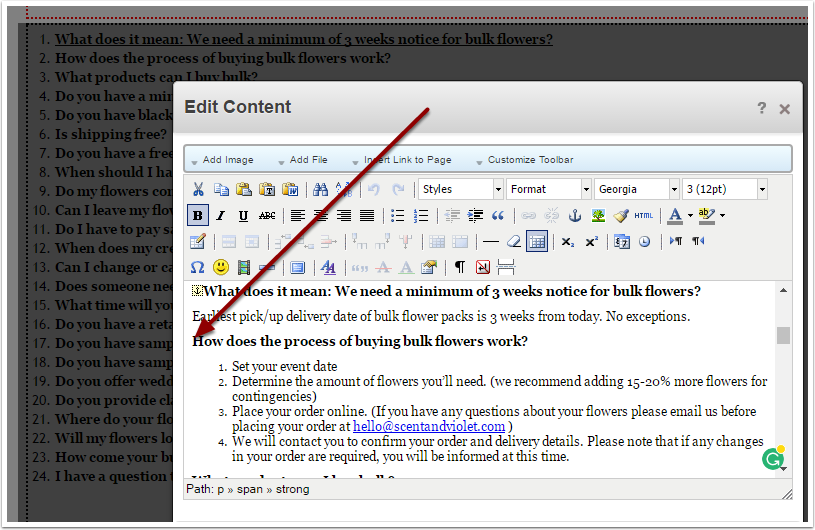
Log in, and edit the section of text. Place the cursor at the position in the text where you want the anchor to appear.
Step 2
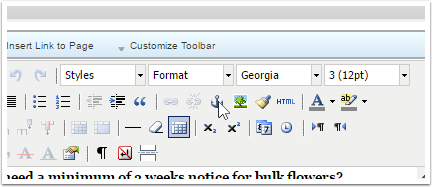
Click on the Anchor icon in the editor bar.
Step 3
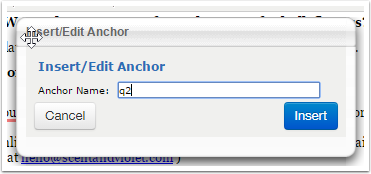
Give the anchor a unique name. (For example: q1 for Question 1, q2 for Question 2, etc.)
Step 4
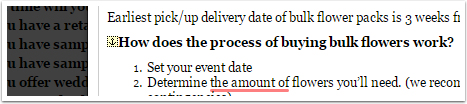
The anchor icon will appear in the text. (This is only visible while editing.) Confirm this is where you want the anchor to be.
Step 5
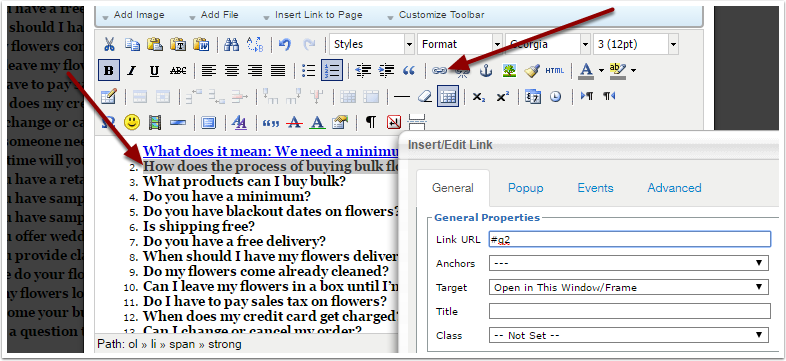
Highlight the text that will point to the anchor, then click the Link icon.
In the Link URL field enter a # followed by the anchor name. (ex: #q1, #q2, etc.)
Save and Publish your edits.