
Skip to main content

How Can We Help?
Create the text in Word
Enter your body text in Word.
Highlight the text to be clickable and make it a link.
Tip: You can apply coupon codes automatically by linking to any page on your website and adding ?promo_code=PROMOCODE to the end.
Copy the text from Word.
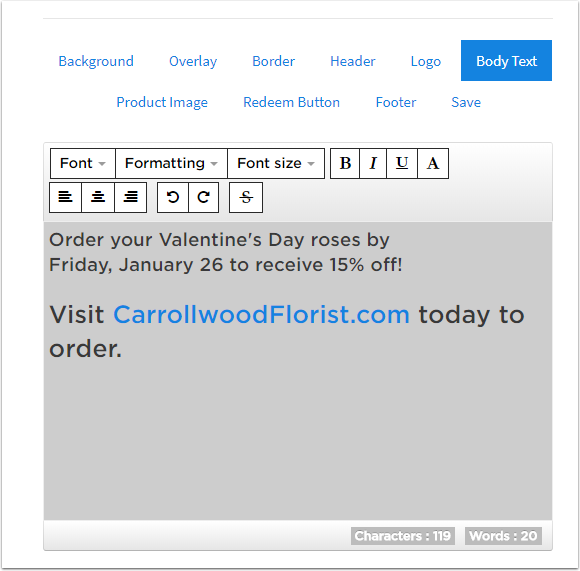
Paste Into Coupon Editor
Paste the text from Word into the editor. You can adjust the font size as needed after pasting. Your link is now clickable from your coupon.