
Skip to main content
How Can We Help?
Search :: Hollyhocks – Google Chrome
Start by browsing to Dashboard -> Ecommerce -> Products
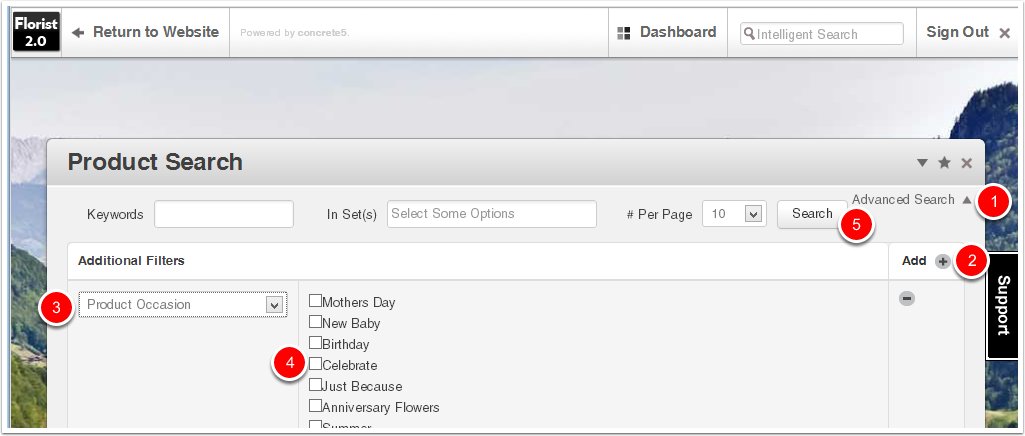
- In Product view click on the Advanced Search link in the top-right
- Click the Add + button to add a filter
- Under Additional Filters select Product Occasion
- Select the Occasion you want to see
- Click the Search button
Option: Change the # Per Page from 10 to a larger number to view more products
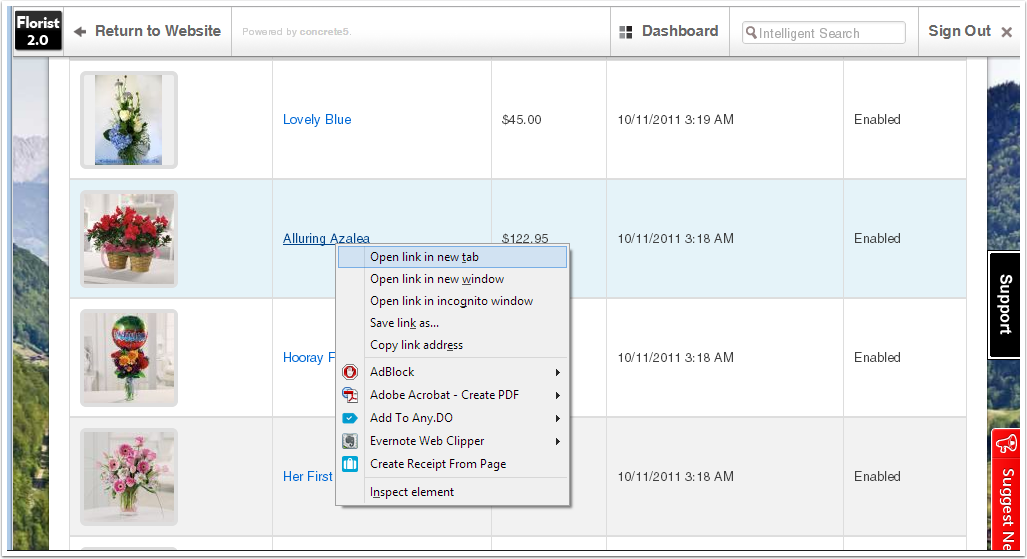
Preserve Search Results
Right-click on the name of the Product to be edited and choose "Open link in new tab" to open the product editor in a separate tab while preserving the Product search results.