
Skip to main content


How Can We Help?
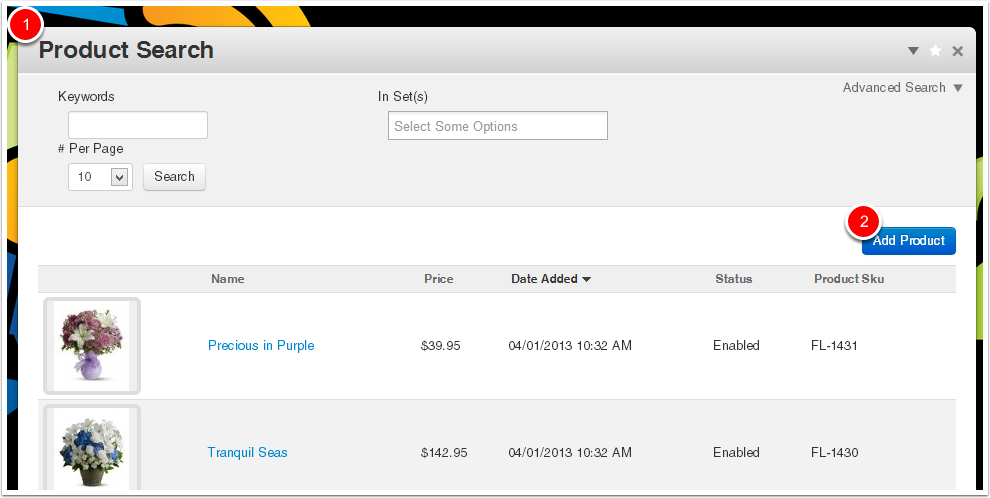
Dashboard -> Ecommerce -> Products
- Go to Dashboard -> Ecommerce -> Products
- Click Add Product
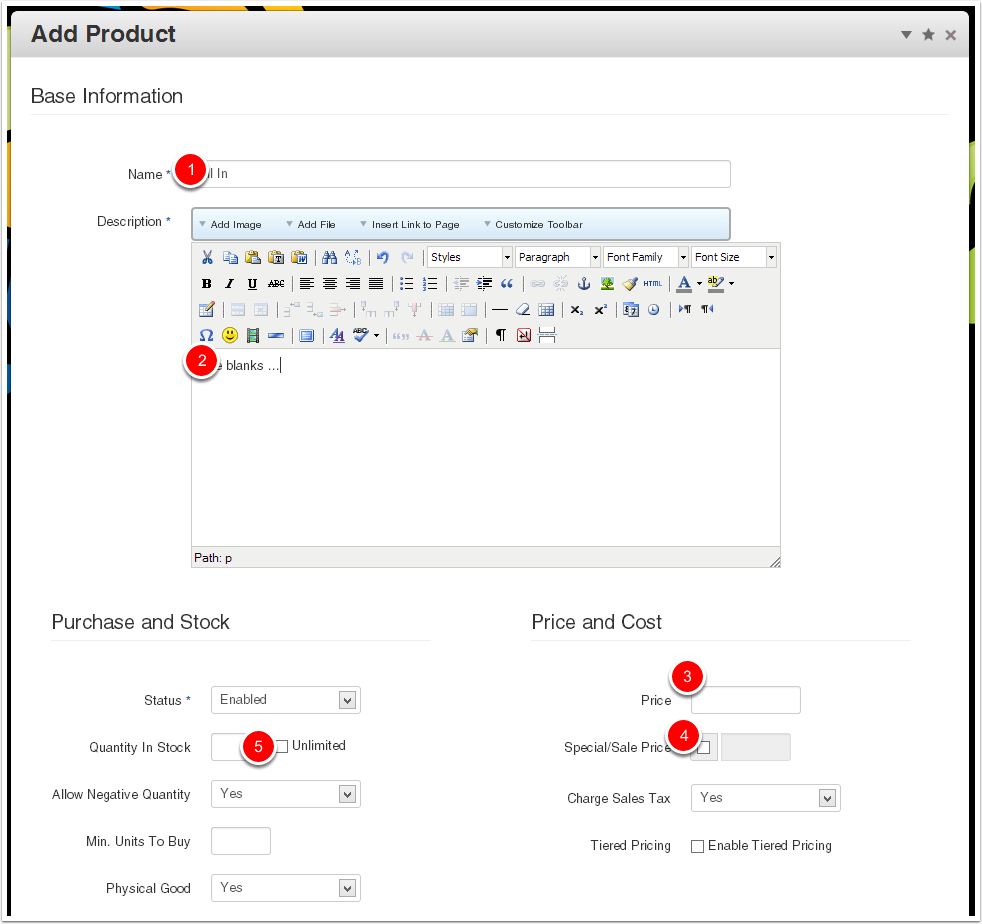
Fill In The Blanks
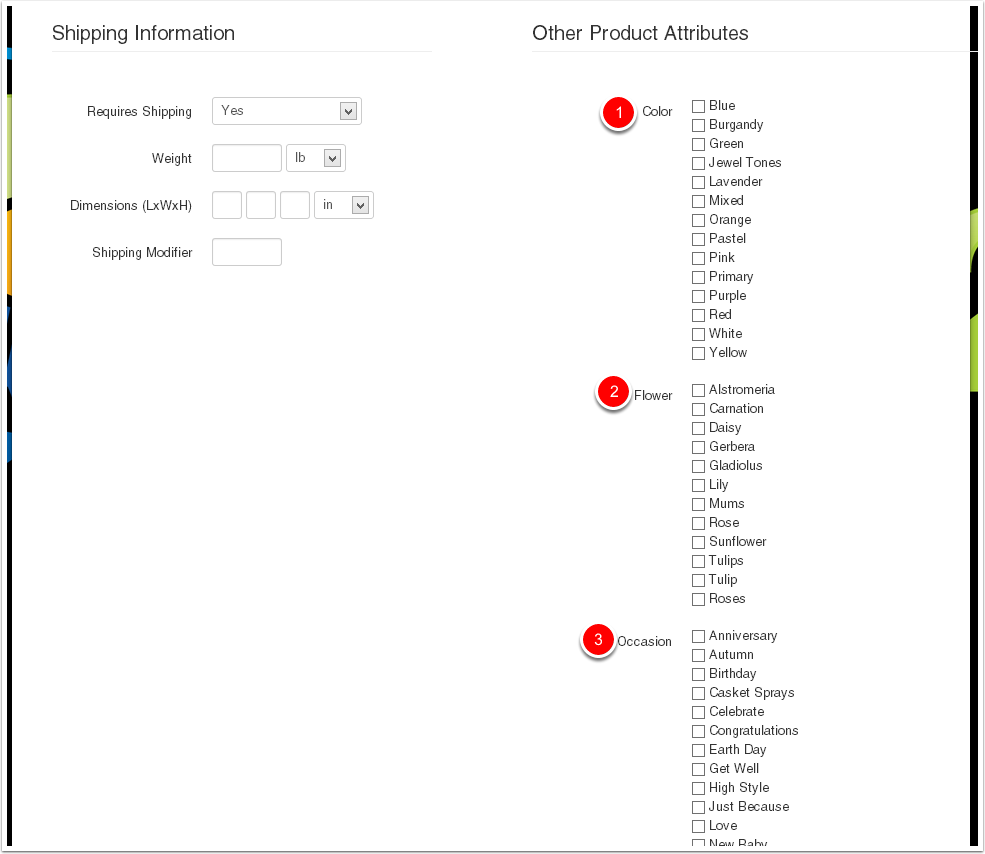
Complete The Product Info
Select / input product information as applicable
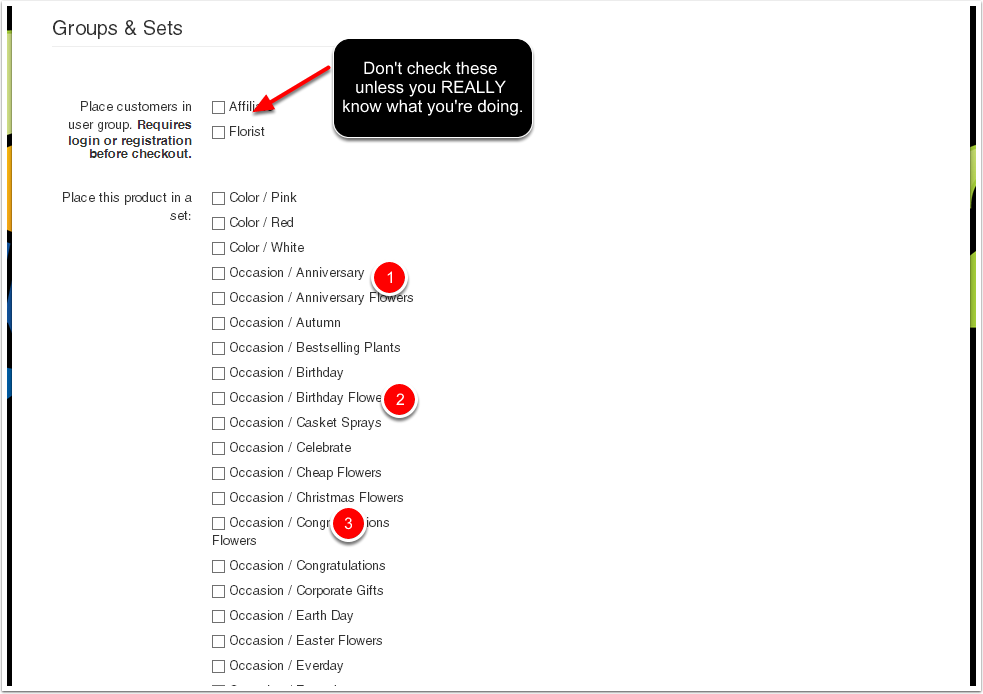
Add Product To Sets
Select the appropriate Sets (aka categories or groups) for the product.
Unless required for a specific special circumstance, do not select any Customer Groups!
Click Add
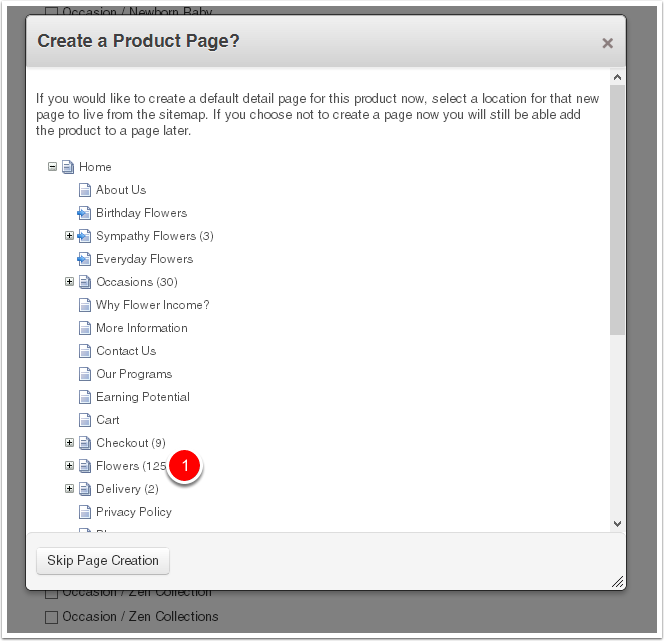
Create Product Detail Page
Create the product detail page by selecting its Parent Page. Choose the "Flowers" page.
Note: This dialogue is only available during creation, NOT product editing.
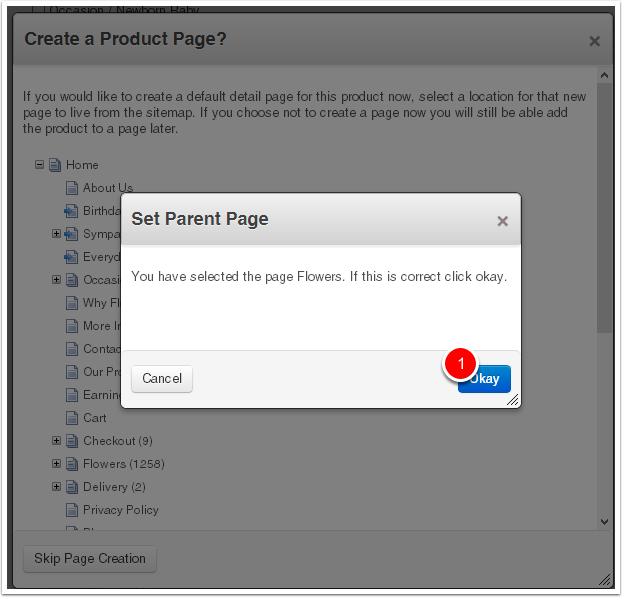
Confirm the Parent Page
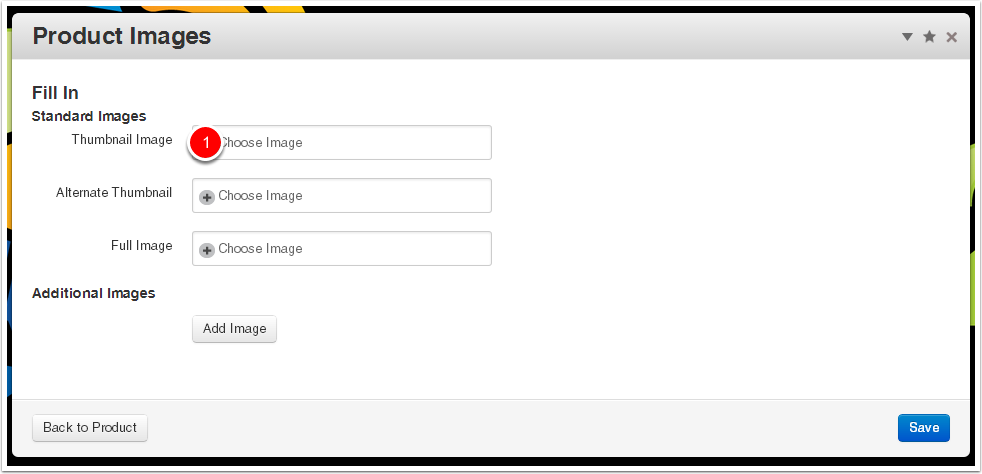
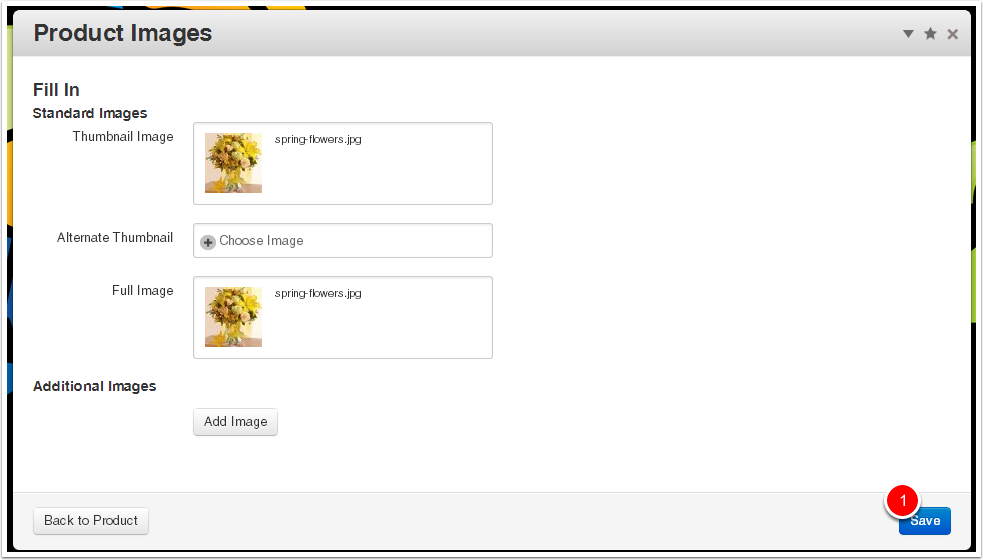
Add Images
Select Images
Select a Thumbnail and Full image (most of the time these are the same image file).
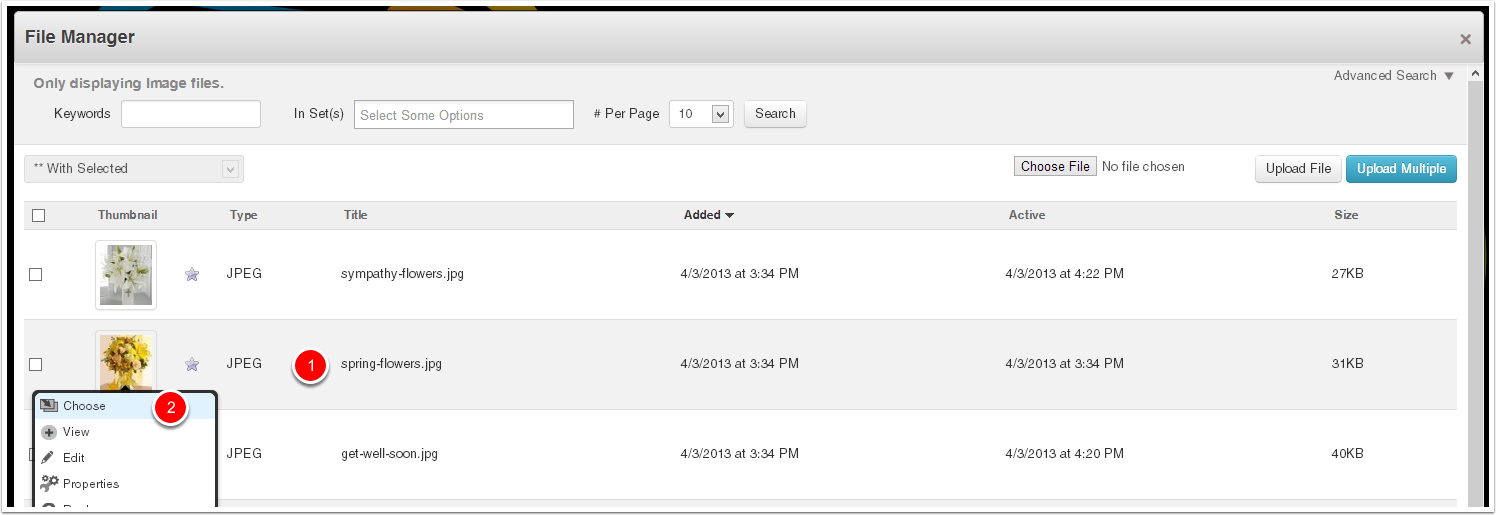
Select the Image
Select the appropriate image from the File Manager
Save Selected Images