
Skip to main content

How Can We Help?
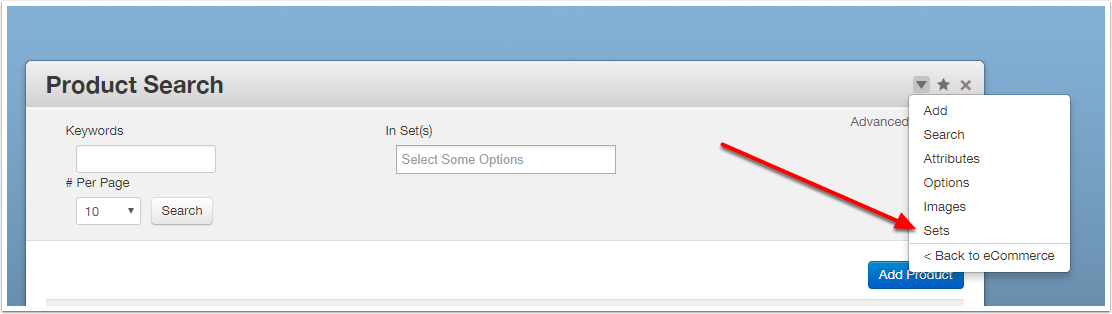
Go to Product Sets
Go to Products from the Dashboard.
Click the submenu icon and select Sets.
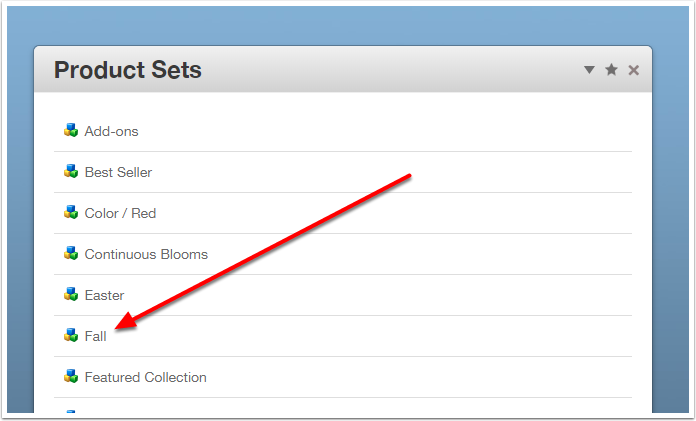
Select a Set
Click on the Set you want to re-order.
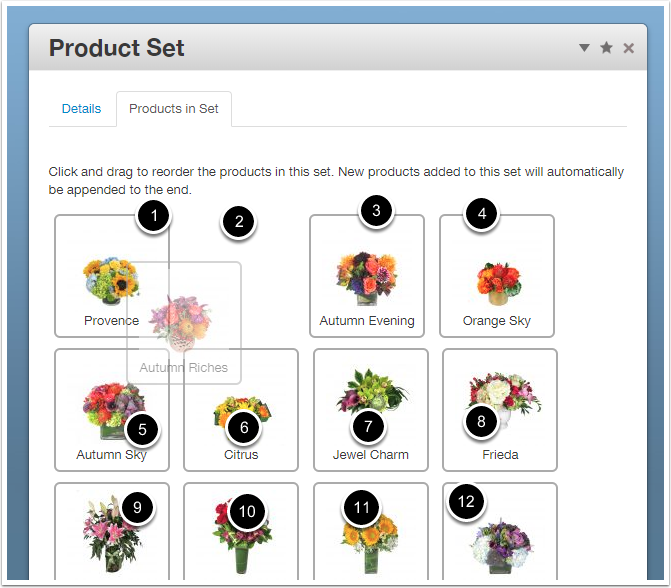
Re-Order Products
- Under the "Products In Set" tab, click and drag the products into the order you want. Ordering runs left to right, row by row.
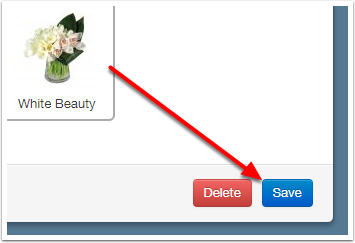
Save Your Changes
Click the blue Save button.
Edit the Page
To confirm the products will be shown in Set Order, browse to the appropriate catalogue page and place it in Edit Mode.
Edit The PLB
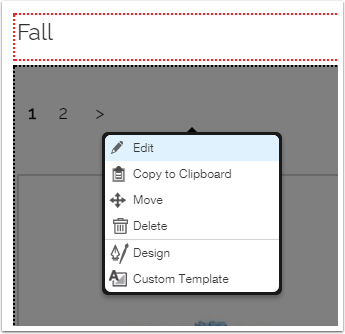
Click on the Product List Block and choose Edit.
Order Products Options
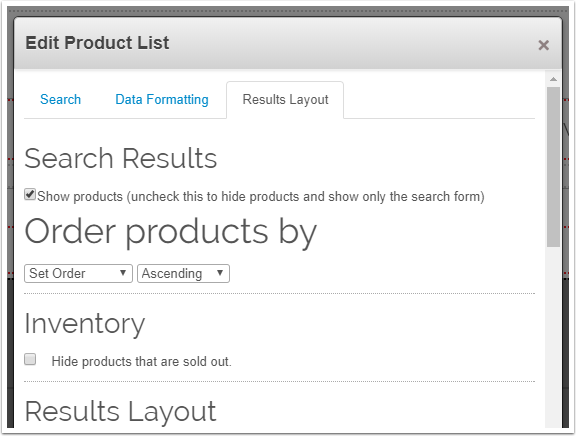
Under the "Results Layout" tab, in the "Order Products By" section, choose "Set Order" and "Ascending".
Save your changes with the Save button.
Publish The Page
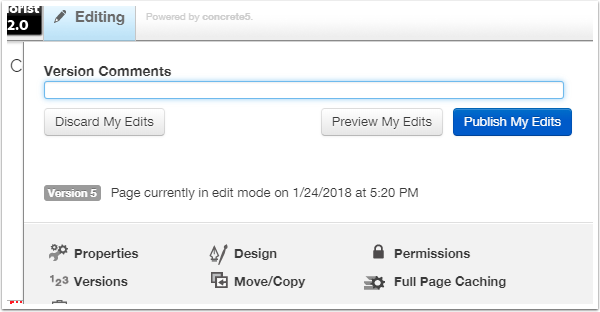
Click the blue Publish button to save your changes to the page.